Quick Context
What We're Building
Gemini will generate a single file for you. That file becomes a working webpage you can share on Google Sites.
Examples teachers have built
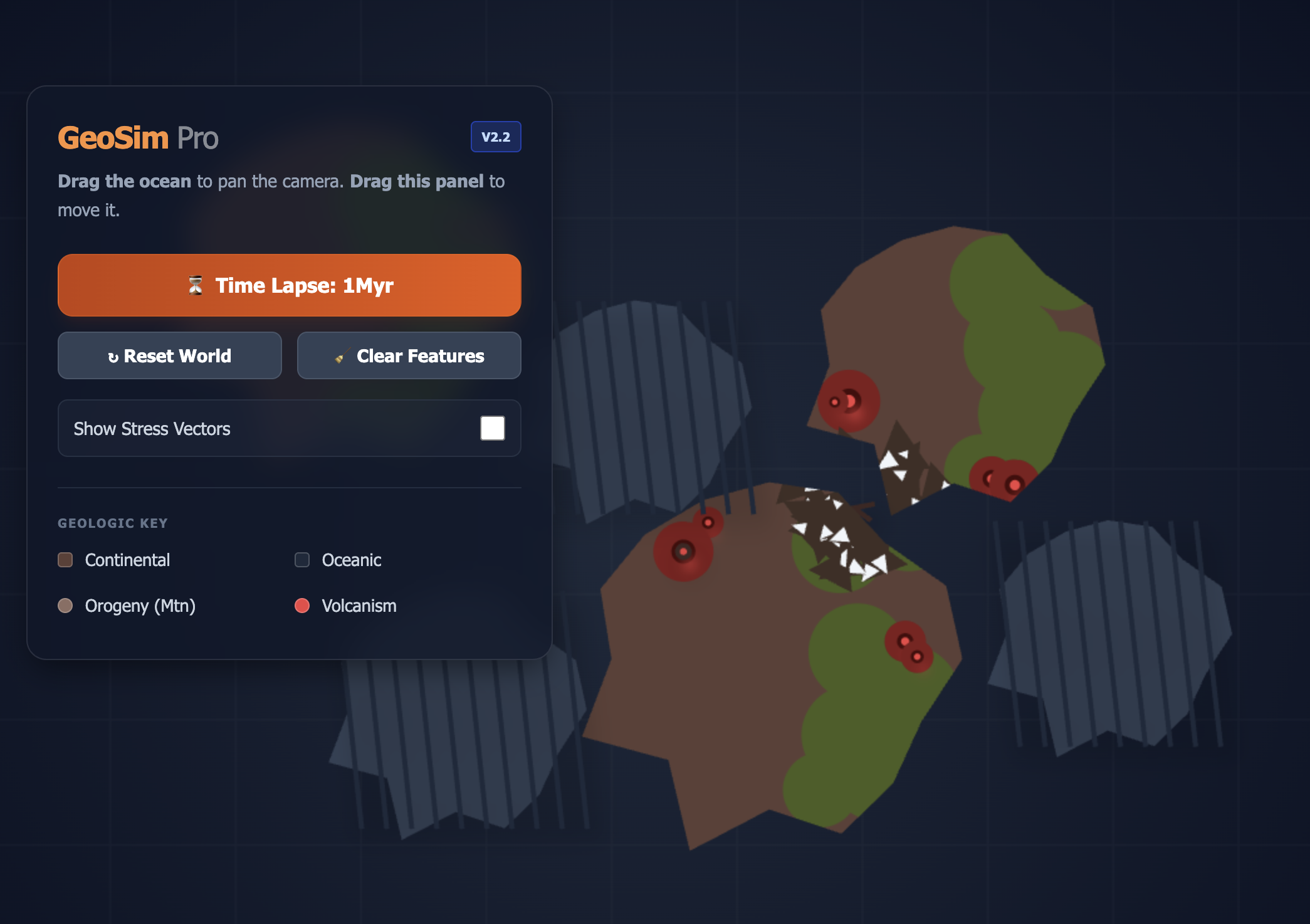
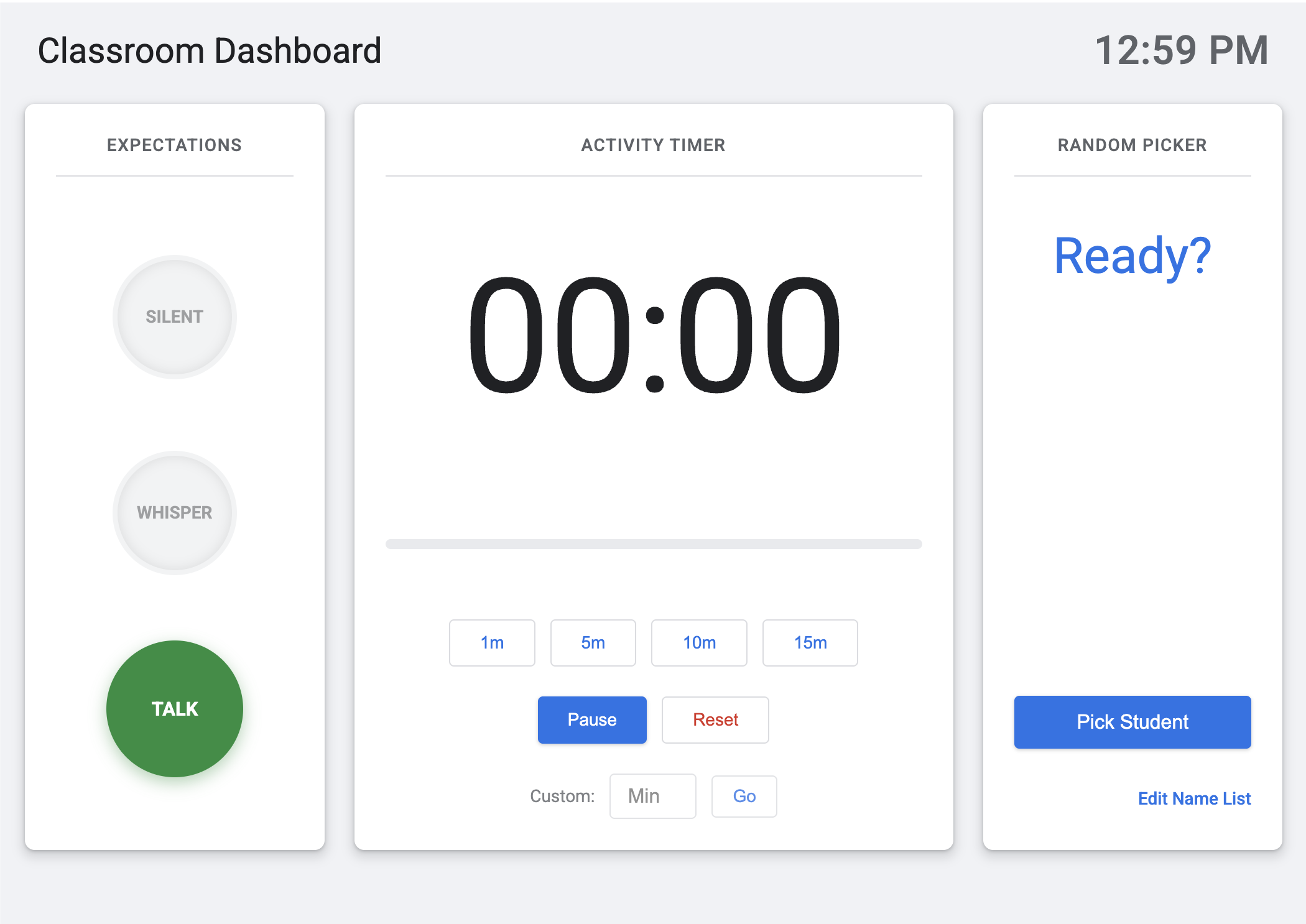
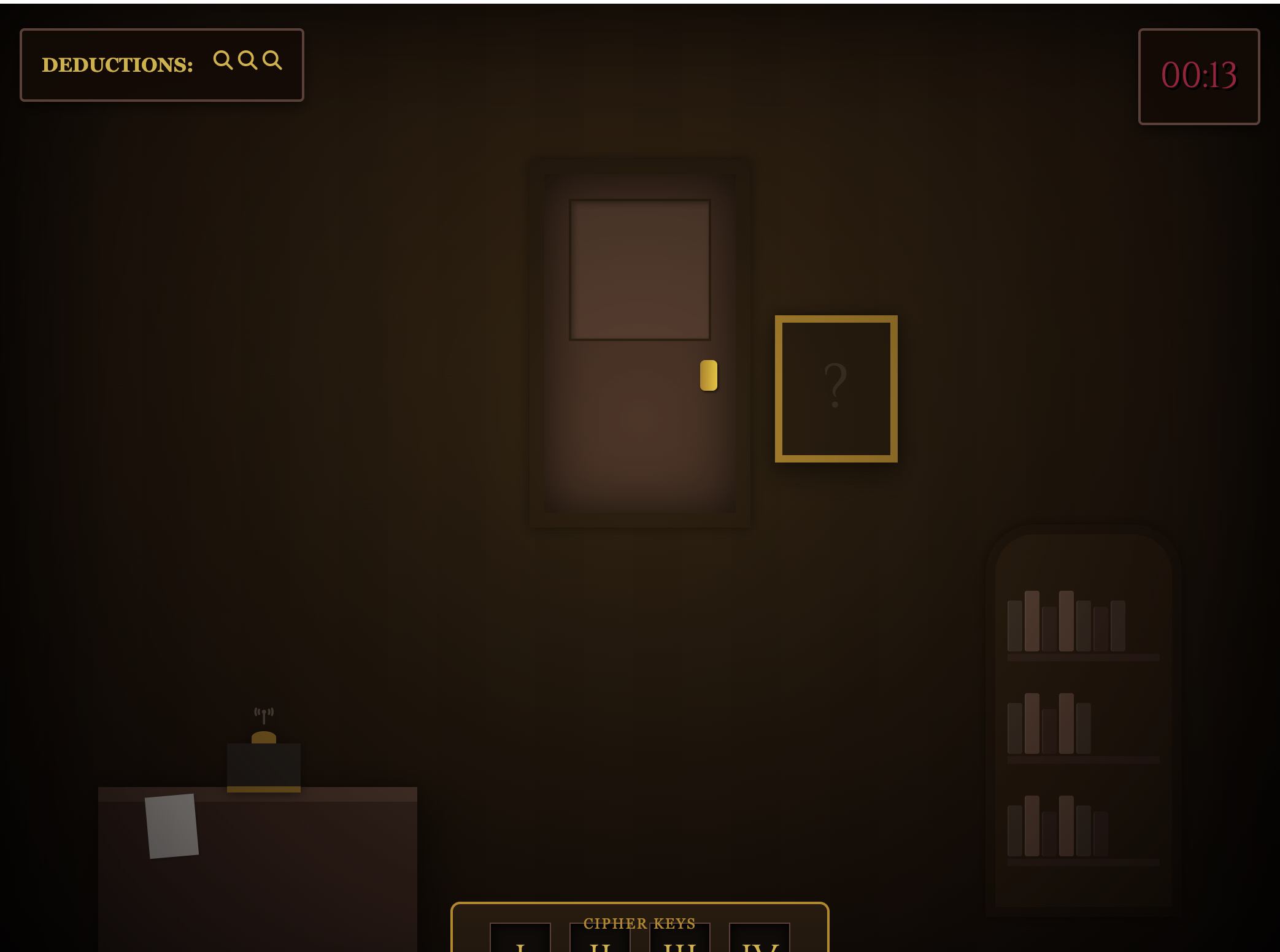
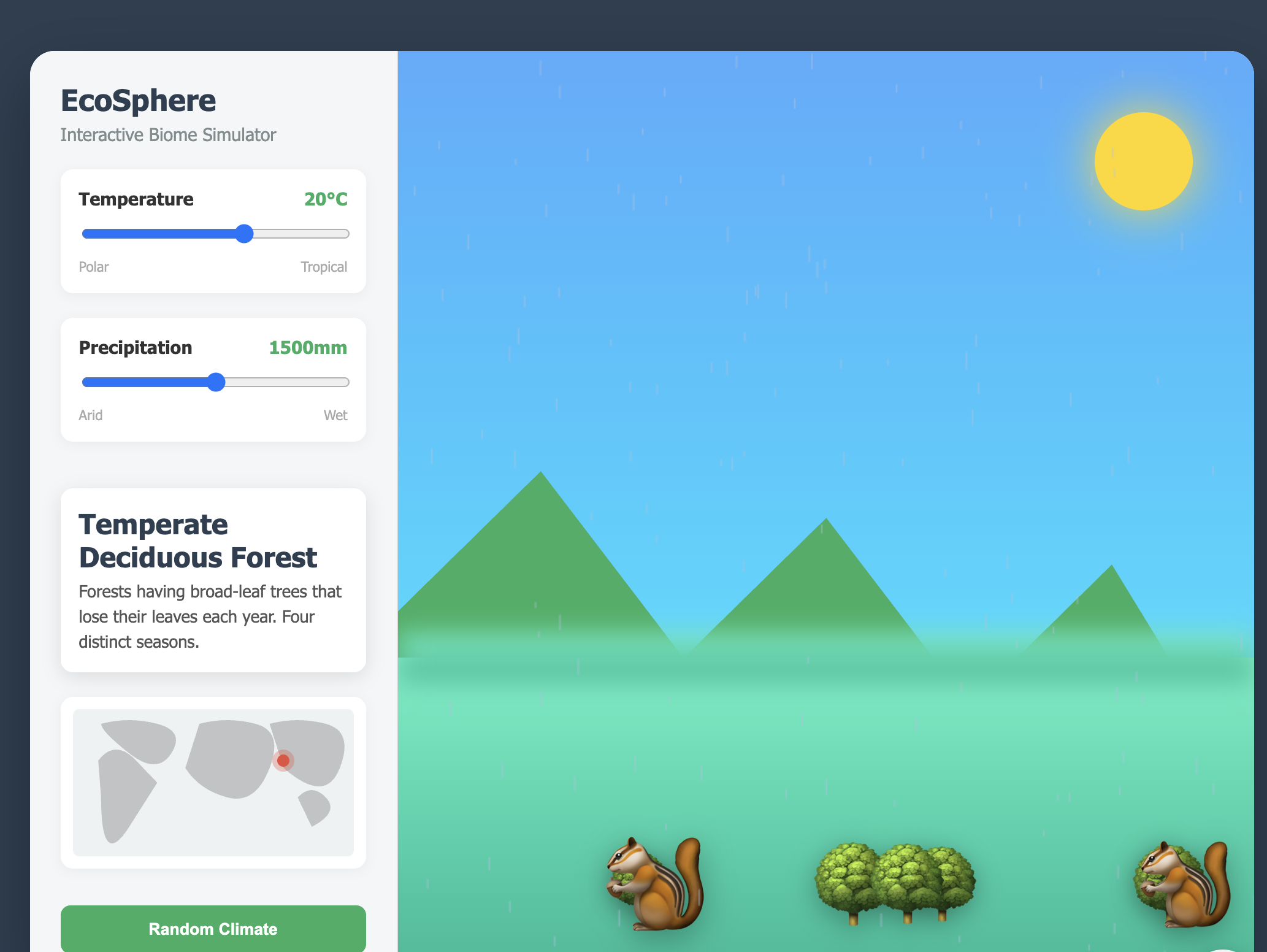
Before You Start
One File, No Drama
When Gemini creates a single HTML file, it works everywhere. When it creates something more complex, it won't work on Google Sites.
One file. Everything included.
Multiple files. Needs installation.
If this happens: Just tell Gemini: "Start over and give me everything in a single HTML file."
Important Note
Why Gemini & Google Sites?
We recommend Gemini for vibe coding because of its enterprise-grade data protections for education.
Your Data is Protected
When you are signed in with a district Google Workspace for Education account, Google states that these protections apply:
- No model training. Your prompts and responses are not used to train AI models.
- No human review. Chats are not reviewed by humans.
- Built for education privacy. Designed to support schools' FERPA and COPPA obligations when used with a Workspace for Education account.
- Same security as Gmail and Docs. Enterprise-grade protection.
Important: You must be logged in with your district Google Workspace for Education account to receive these protections.
Get Ready
Your Workspace
Gemini's creative workspace for writing and coding. You'll see a split screen: your conversation on the left, a live code preview on the right.
Look for the model selector on the right side of the chat, below the send icon. Switch to Thinking for better code.
Phase 1
Your First Build: Educational Mini-Game
Let's build something together. You'll create an AI-powered quiz game for your content area. Follow each step and check them off as you go.
-
Step 1: Start a New ChatIn Gemini, click the Canvas icon from the toolbar on the left side of the chat input. Then, on the right side of the chat below the send icon, switch the model selector from "Fast" to Thinking for better output.Open GeminiWatch how
-
Step 2: Set the SceneEdit this prompt with your subject and grade, then copy it:
-
Step 3: Generate & ReviewPaste your prompt into Gemini with the Canvas tool selected, then click "Send" and watch it create your game.Watch how
-
Step 4: Make It YoursAsk Gemini to customize your game. Try something like: "Change the background to a gradient purple" or "Make the buttons green." Don't change the font to Comic Sans, please.Watch: Customize your game
That's vibe coding. You didn't write JavaScript. You didn't learn CSS. You just... described what you wanted and adjusted until it vibed right. Welcome to the future.
Phase 2
If You Can Dream It, You Can Do It. Maybe!
Do you have any ideas of what type of app you would make by vibe coding?
Your Idea
What's something repetitive that takes too much of your time?
Phase 2
Everyone's Ideas
Here's what everyone submitted. Your facilitator will pick one to build live.
0 Ideas Submitted
Waiting for submissions...
Phase 3
Now Build Whatever You Want
Build something that would make your life easier, make you laugh, or make your students curious. Create a game in your favorite art style. The chat window is your oyster.
Need Inspiration?
Here are things other teachers have built in sessions like this:
Paste frustrated draft → get professional version
Paste class list → animated wheel picks a student
Paste word list → interactive study tool
Input topic → Socratic questions
Launchpad App
Get help writing your prompt to create a vibe coded app
Unstuck Kit
Start with this template:
If it's not working, try saying:
- "Make it simpler"
- "Start over with a different approach"
- "That's not what I meant. I want [clearer description]"
- "Add [specific feature]"
- "Remove [thing you don't want]"
Still stuck? Raise your hand and ask for help.
Phase 4
Publish & Share
Ready to share your creation with the world? Follow these steps to embed your project on Google Sites.
-
Step 1: Prepare to Ship Your ProductClick "Preview" in Gemini Canvas. Are you happy with it? You'll probably never feel 100% done—that's just how development works. Ship it!
-
Step 2: Copy & Embed on Google Sites1. In Gemini's Canvas, click "Share" then "Copy contents"
2. Open Google Sites, hover over the + icon on the bottom right of Google Sites
3. Click "Full page embed"
4. Name your page, paste your HTML and click "Insert"Open Google SitesWatch: Embed on Sites -
Step 3: Publish Your SiteClick the "Publish" button in Google Sites to make your creation live. Share the link on the next screen (Phase 5) to add it to our Gallery Walk.Watch how
Phase 5
Submit Your Creation
Time to show off! Share what you built so everyone can see it in the gallery.
Phase 6
Gallery Walk
Look at what we built together! Click any card to explore.
No submissions yet. Be the first!
Wrap Up
Take a moment to reflect on what you accomplished.
Thanks for vibe coding with us.
Now go forth and build things that make your life easier. You've got this.